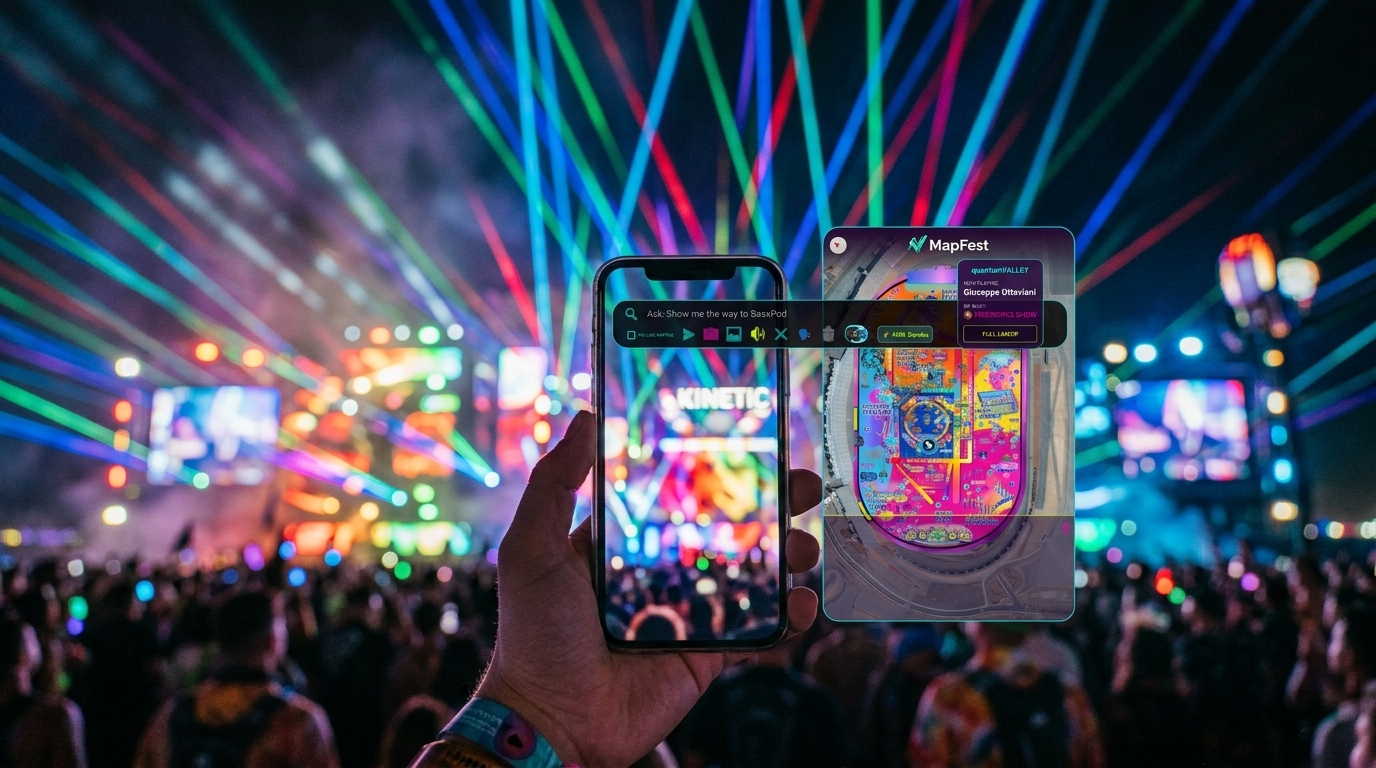
$3.50
WEAR OS • STANDALONE
Already purchased? Access your downloads →
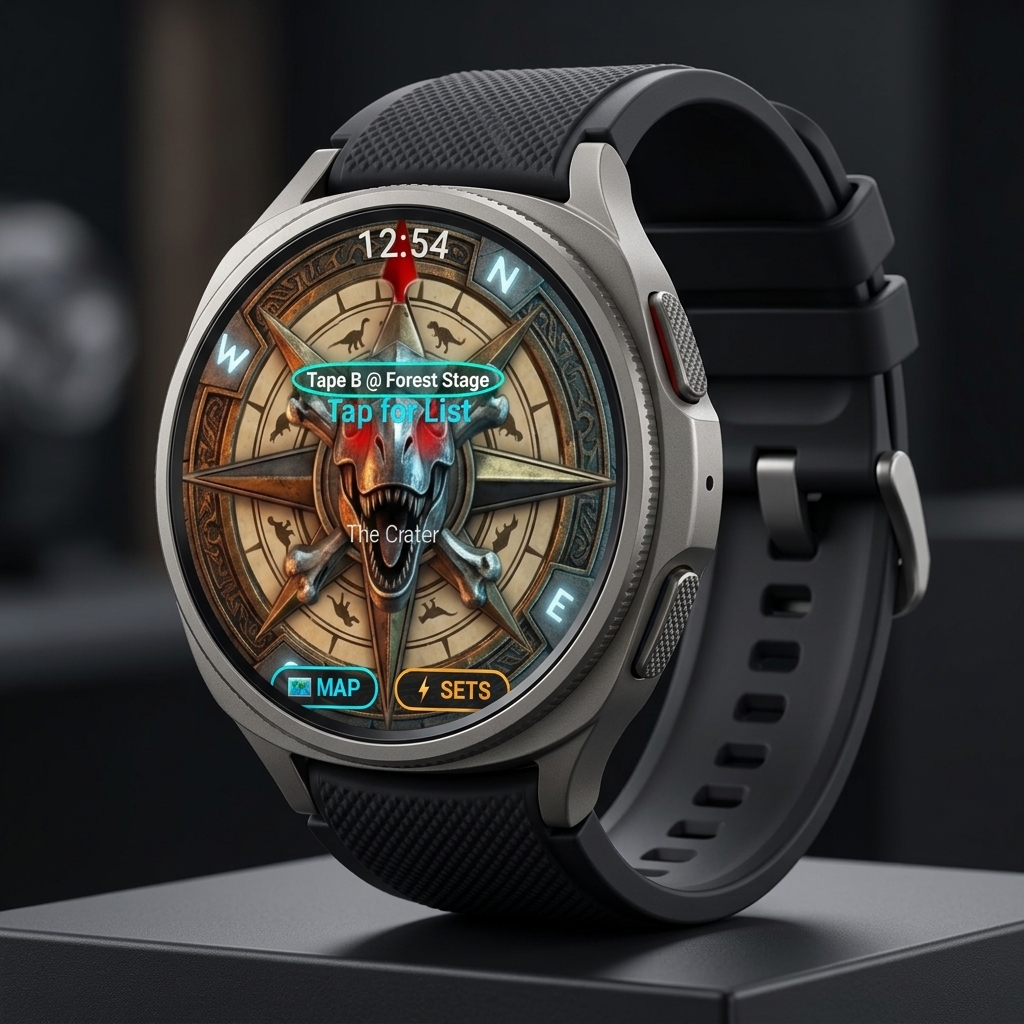
Galaxy Watch App
Samsung Galaxy Watch 4-7 / Ultra. Tactical wrist compass HUD with live stage distance calculations.
Download Unlocked After Purchase
Instant watch APK download and license link delivered to your account.
$4.99
ANDROID • 3D MAPBOX
Already purchased? Access your downloads →
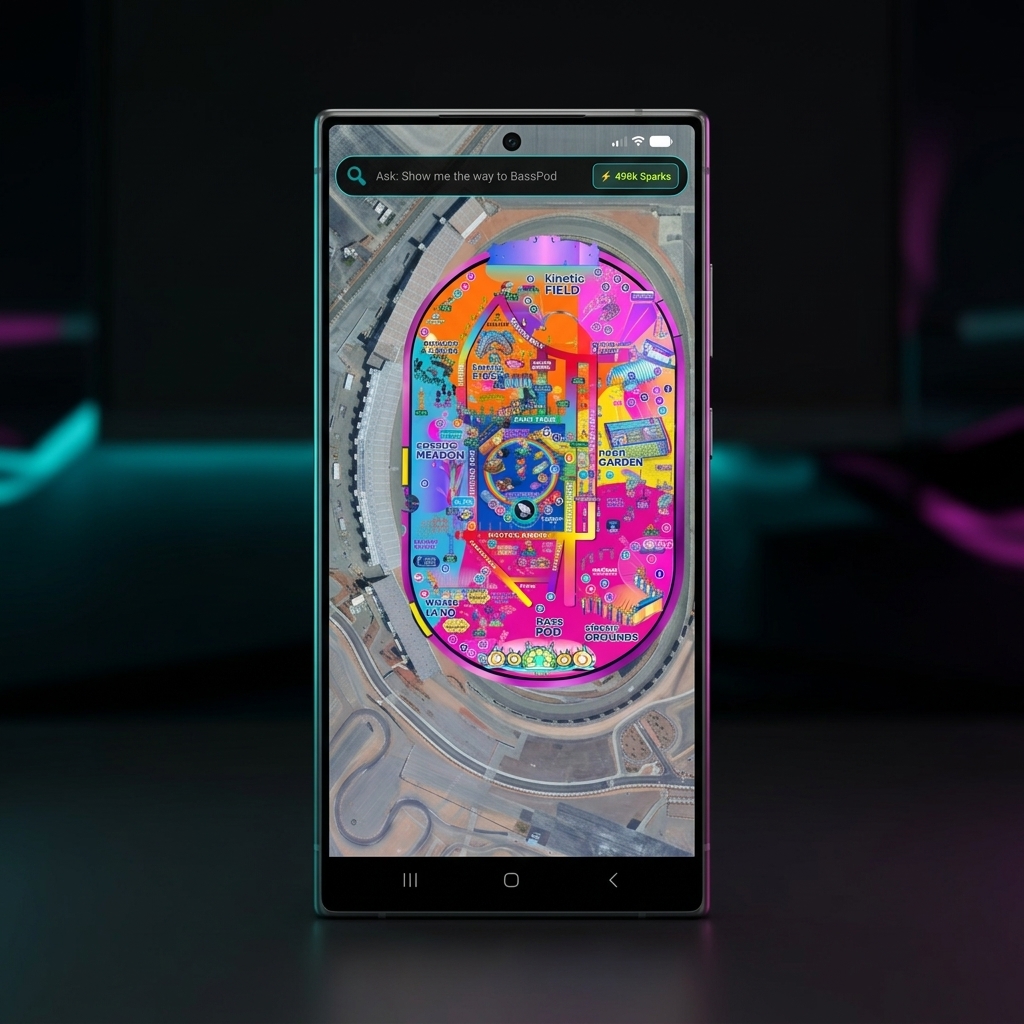
Android Phone App
Complete 3D Mapbox engine, camping markers, multi-day schedules, clash resolver, and automatic watch sync.
Download Unlocked After Purchase
Instant mapfestivals.apk delivery and automatic account licensing.

DEVELOPER SUITE
EXPERIMENTAL • HARDWARE ACCESSORY
Already purchased? Access your downloads →
LoRa Flasher & iOS Suite
Flash your Heltec V4 or LilyGO T-Beam with GNSS directly in the browser via USB-C WebSerial. Includes the Swift iOS project.
iOS Project Unlocked After Purchase
Download mapfestivals-ios.zip directly to your account after bundle checkout.
POST-PURCHASE INSTRUCTIONS
How to Install MapFest After Purchasing
Follow the setup guide below for your device. All purchases include lifetime offline map cache and automatic Sparks synchronization.
ANDROID PHONE
~ 1 MINUTE
📱 Android Installation
-
1
Download the App: After checkout, tap
mapfestivals.apkon your order confirmation page or under Access your downloads. -
2
Confirm Download: If Chrome/Samsung Internet prompts "File might be harmful", tap Download anyway.
-
3
Allow Unknown Sources: Tap Open → If prompted, tap Settings → toggle Allow from this source → tap Install.
-
4
Launch & Enjoy: Open MapFest! Your festival passes and Sparks are linked automatically.
GALAXY WATCH
~ 2 MINUTES
⌚ Galaxy Watch Setup
Method A: Auto-Sync via Phone App
Install the Android Phone app. It will automatically discover your paired Galaxy Watch over Bluetooth and sync live wrist compass and schedule waypoints.
Method B: Standalone Sideload
Download
mapfestivals-watch.apk. Enable Wireless debugging on watch. Pair via GeminiMan Wear OS Manager or Bugjaeger on your phone and tap install.
APPLE iOS
ZERO CABLES
🍏 iPhone (iOS) Setup
Option 1: Apple TestFlight (⭐️ Recommended)
Tap the TestFlight Invite Link sent with your order. Install the free TestFlight app from App Store → Tap Install MapFest.
Option 2: Offline Safari PWA
Open
mapfestivals.com in Safari, tap Share > Add to Home Screen. Launches full offline 3D Mapbox engine instantly.

GOOGLE GEMINI FLASH AI
AI Guru Multi-Festival Concierge
Sparks power the always-on AI Festival Guru. When you purchase Sparks here, your MapFest in-app account is automatically credited via your linked Firebase UID.
MapFest Account & Downloads
Enter your Customer Email, Shopify Order Number, or MapFest Firebase UID to access your purchased downloads and AI Sparks balance.
Linked Account UID:
Guest (Local)
Current Sparks Balance:
500,000
⚡ WebSerial LoRa Hardware Flasher
Flash the official MapFest production firmware directly to your LoRa radio over USB-C in Google Chrome or Microsoft Edge.
USB-C Connection Steps:
1. Connect your Heltec V4 or LilyGO T-Beam via a USB-C data cable.
2. Click Connect & Flash Device below and select the COM port in the browser popup.
3. Keep the device plugged in until 100% verification is complete.
1. Connect your Heltec V4 or LilyGO T-Beam via a USB-C data cable.
2. Click Connect & Flash Device below and select the COM port in the browser popup.
3. Keep the device plugged in until 100% verification is complete.
Ready for connection (115200 baud)
[*] WebSerial flasher initialized. Ready to connect.
Festival All-Access Pass
Pass Price:
$4.99